
GR-MEGA Firmware 1.7.0 – a record breaker
We thank out beta testers on the Facebook user group and our Discord server for their help, and of course everybody who sent in their feature request and bug reports. 1.7.0 is a monumental firmware update. We could have christened it 2.0, but there are no real breaking changes. The full list of changes and new features is here. Summary of the most important news:
Granular engine rework
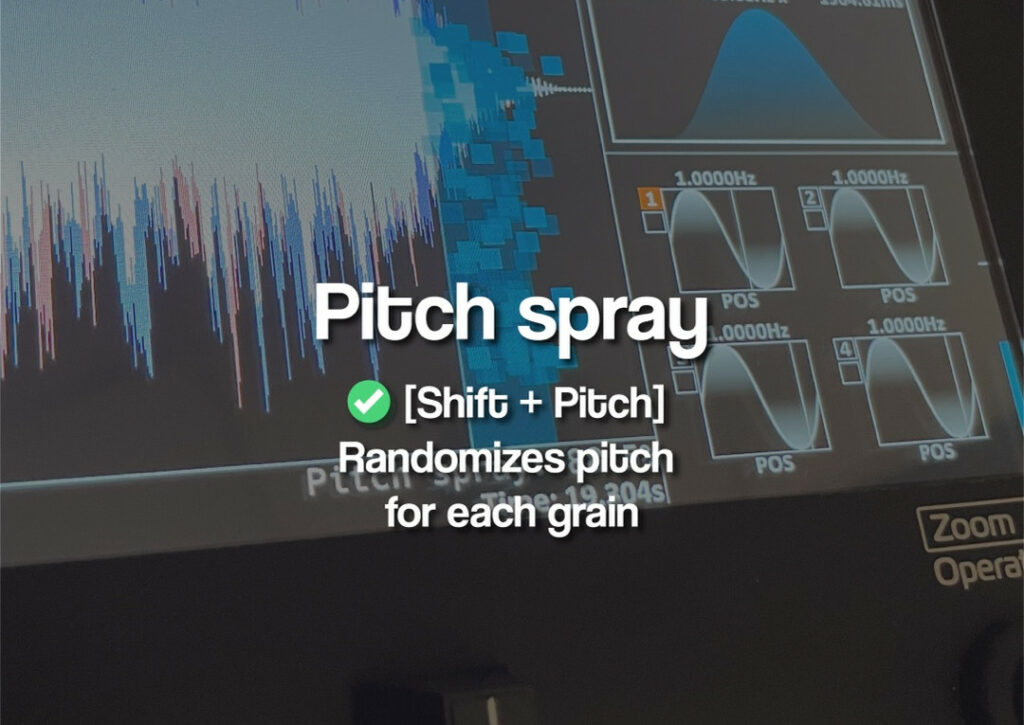
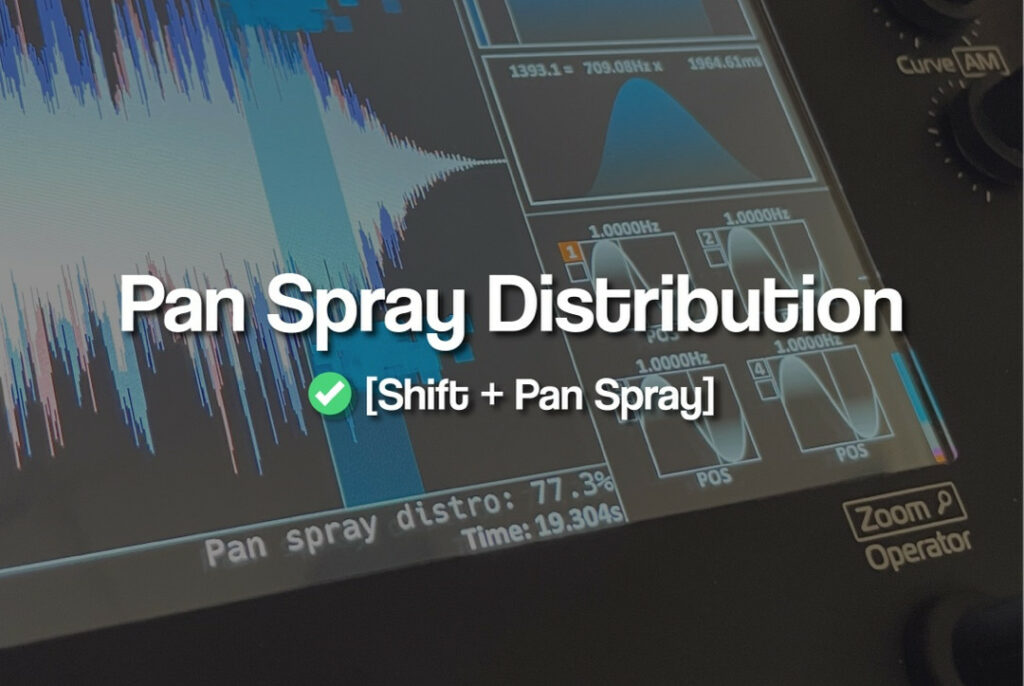
As promised in our firmware roadmap, we reworked the granular engine. The first thing you’ll notice is that grains are visible in all 4 layers at the same time. There are popular new controls like pan spray distribution, where you can push pan spray to the extremes of the stereo image. This is great for regular leads while a granular voice shimmers over it. Pitch spray is a useful macro control, instead of needing to modulate pitch. Many of such convenience controls were added for the A..H engine knobs.
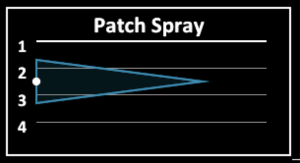
Patch spray is a feature where you can boost grain density over various layers using a distribution. In 2019, still on the GR-1 we deemed this too weird or too hard to use, but with the graphics and the vertical faders that can quickly change function with the up-front buttons on the GR-MEGA, I think this feature really came into its own.
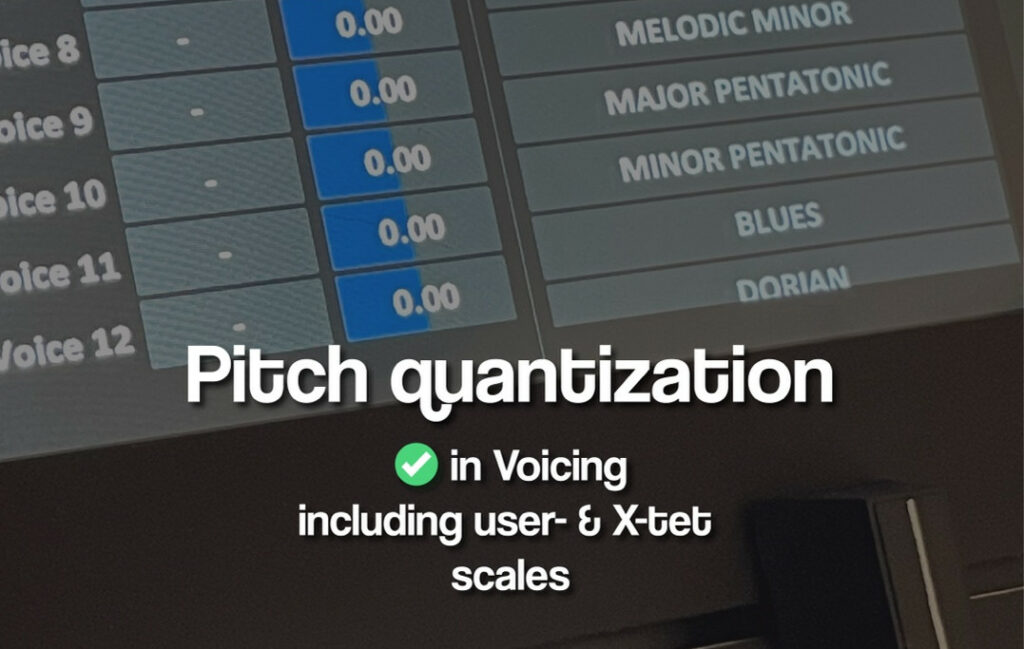
Pitch quantization is a big one that allows various Western scales and equal temperament scales, as well as a user scale to quantize voice pitch. These scales can also be used by effects.
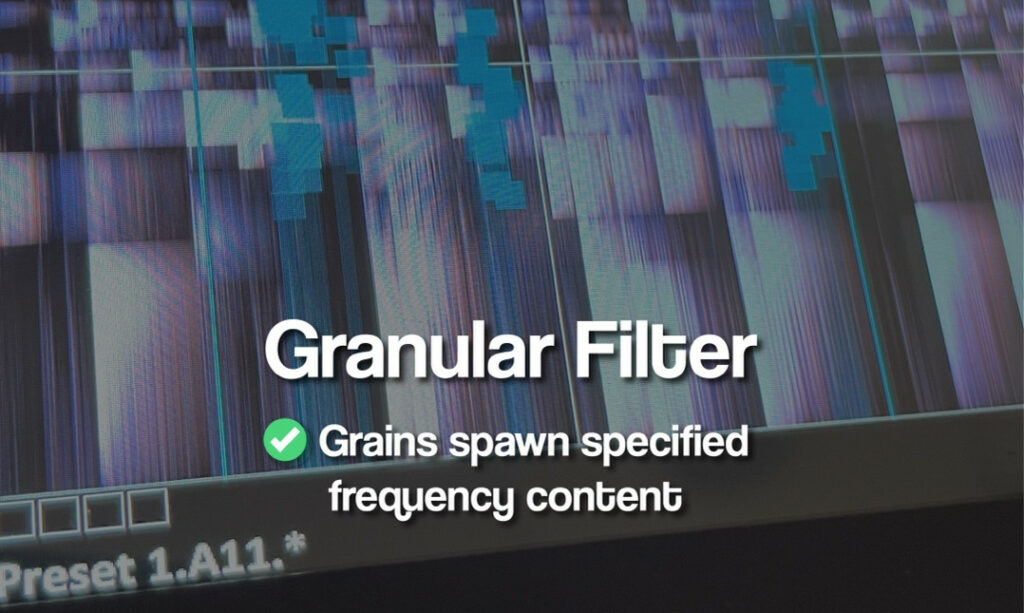
The most exotic new function, completely unavailable on any other synth is the granular filter. Turn up the cutoff to spawn grains in progressively more higher frequency areas of the sample.
File system
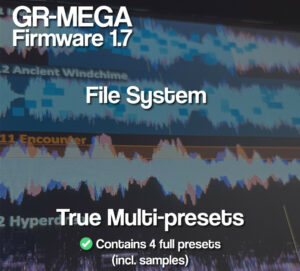
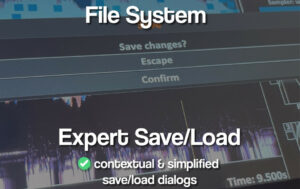
This is also massively updated. Perhaps this is the biggest change of all. Saves are now context sensitive. If you have just 1 layer open, you save a monotrimbral preset. If you have multiple open, you save a multi. Multis (aka multitimbral presets) are now fully standalone. This allows the user to open layers, load samples into them, without having to worry to which monotimbral preset they point. Summarizing: You save what you see. You save what you hear. Reboot and everything is how you left it. We expect this to remove friction and make the GR-MEGA a breeze to work with.
There are preset and mtpreset (aka multitimbral preset) menu’s to quickly browse, switch, and edit presets. This is a quality-of-life addition to the bank/subbank/preset button system.
Sure, some areas can probably still be more user-friendly, but those will all be done in due time.
Tile menu
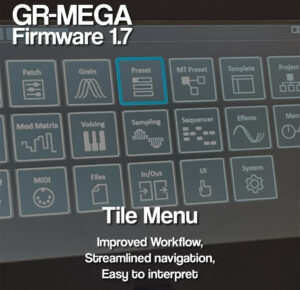
This is not a super big change, but it will certainly help beginners. 20 big icons instead of the 9 tabs at the top. The menus are split up into smaller chunks that are easy to digest, and especially easier to navigate with the arrow keys.
Templates
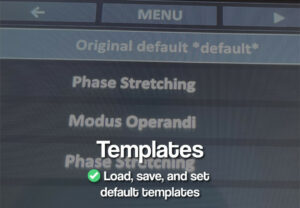
Templates are now stored globally. Set your init patch template. Configure standard templates for things like granular looping patches, Paulstretch ambient patches, pads, shimmering effects, sequenced breakcore slice mode patches, etc. There’s a special menu for this.
Effects
Effect input volume can be boosted to even have single voices with low grain count fully engaging the distortion and saturator effects. And yes, the saturator is a new effect. We have factory presets for all effects (up to 8), and also preset FX chains. And yes, there are user presets as well. There’s drag and drop support (if you have mouse or HDMI+USB touch screen connected) for swapping the FX links.
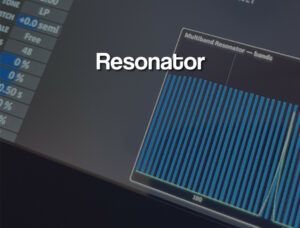
There’s a new multi band resonator. It can use the pitch quantization scales, and also has physical modelling setups for the bands. It also has a true stereo mode.
Patch randomizer
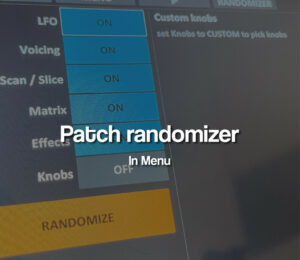
A particularly popular request: This is an entire menu. You can turn knobs to adds them to the to-be-randomized list.
In closing
This is just a summary. It covers about half of all the news. As mentioned previously, it’s the biggest update we’ve ever done, including all the machines we’ve ever done. Get the update here, or use LAN update (hook your MEGA up to your router using a LAN cable). Full release notes and manual.
In closing, we highly encourage you guys to keep sending in feature requests. Especially Discord is well-suited for this. Other users can easily chime in and leave a like or comment on any request. Bug reports can be done there as well, but for record keeping it’s sometimes easier to receive them via email : info@tastychips.nl.
Beyond feature requests and bug reports, we’d love to see what you are doing with your GR-MEGA. We’d love to cooperate more closely with people that are actively making music, uploading videos and doing performances. Stay in touch!